What the app does
Journey Tracker keeps photos, notes, reminders, and comparisons together, one collection per thing you're tracking.
One collection per journey
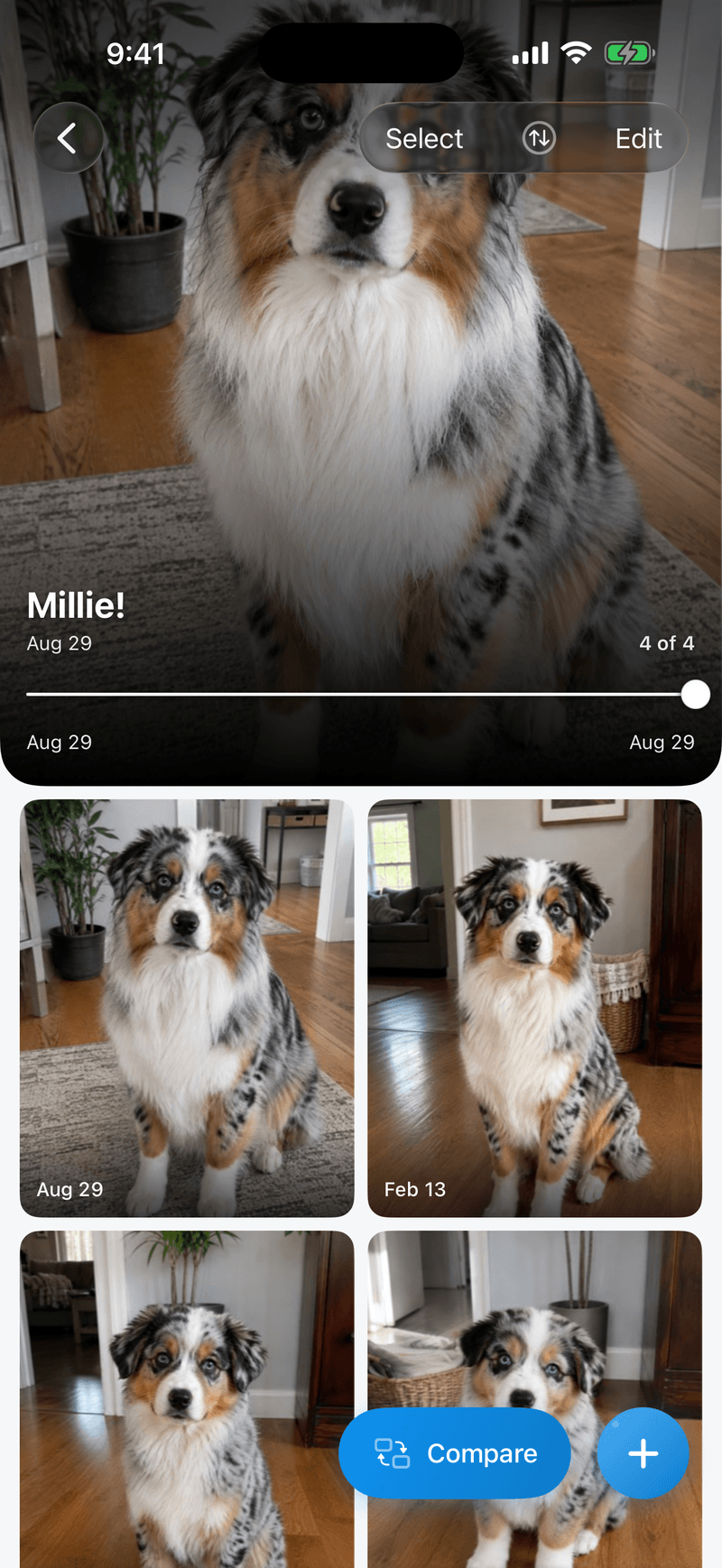
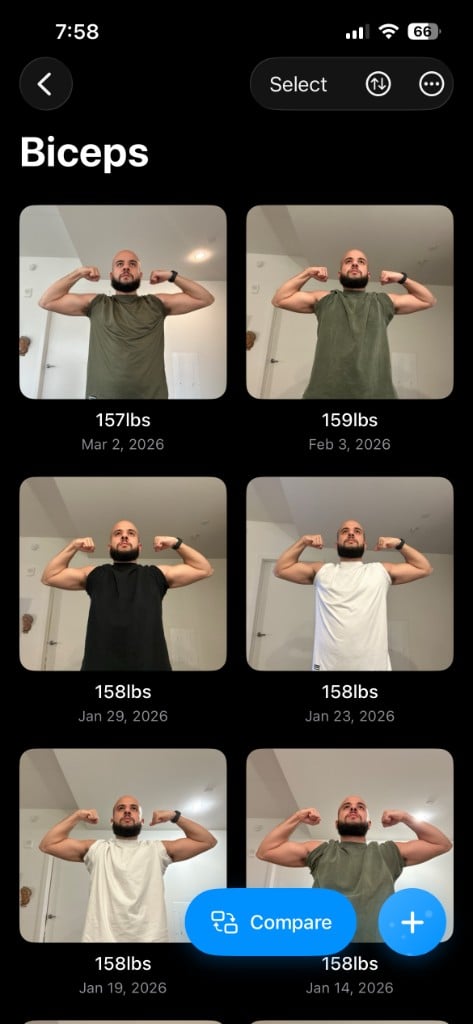
Keep separate collections for separate goals. Each holds its dated photos, an optional title and description, and its own reminder schedule.
- A collection for each goal
- Titles and descriptions
- Photos in date order
Line up the next shot
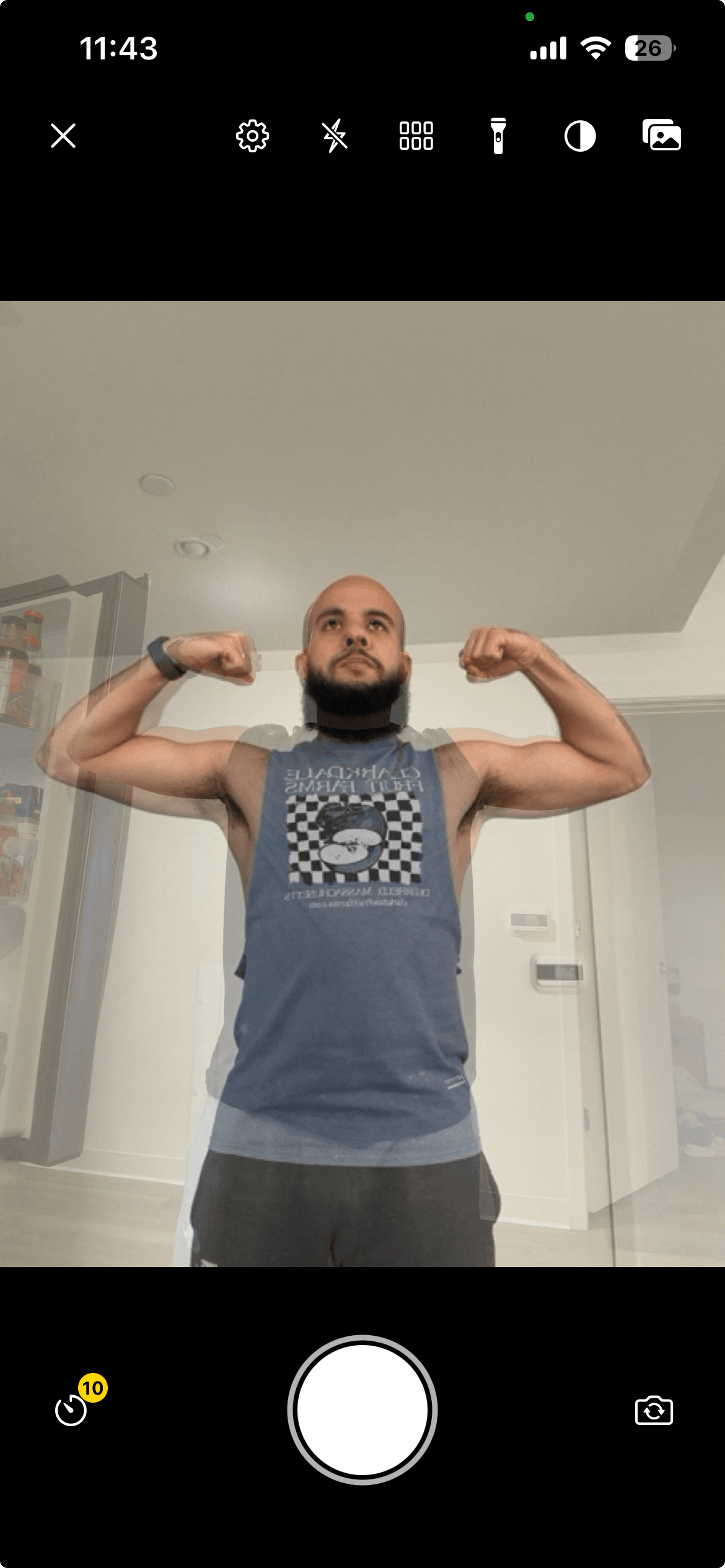
Any earlier photo can sit faded over the camera view while you take the next one, so framing and pose stay consistent.
- Any earlier photo as the overlay
- Same framing from one photo to the next
- Made for repeated poses and setups
Compare any two photos
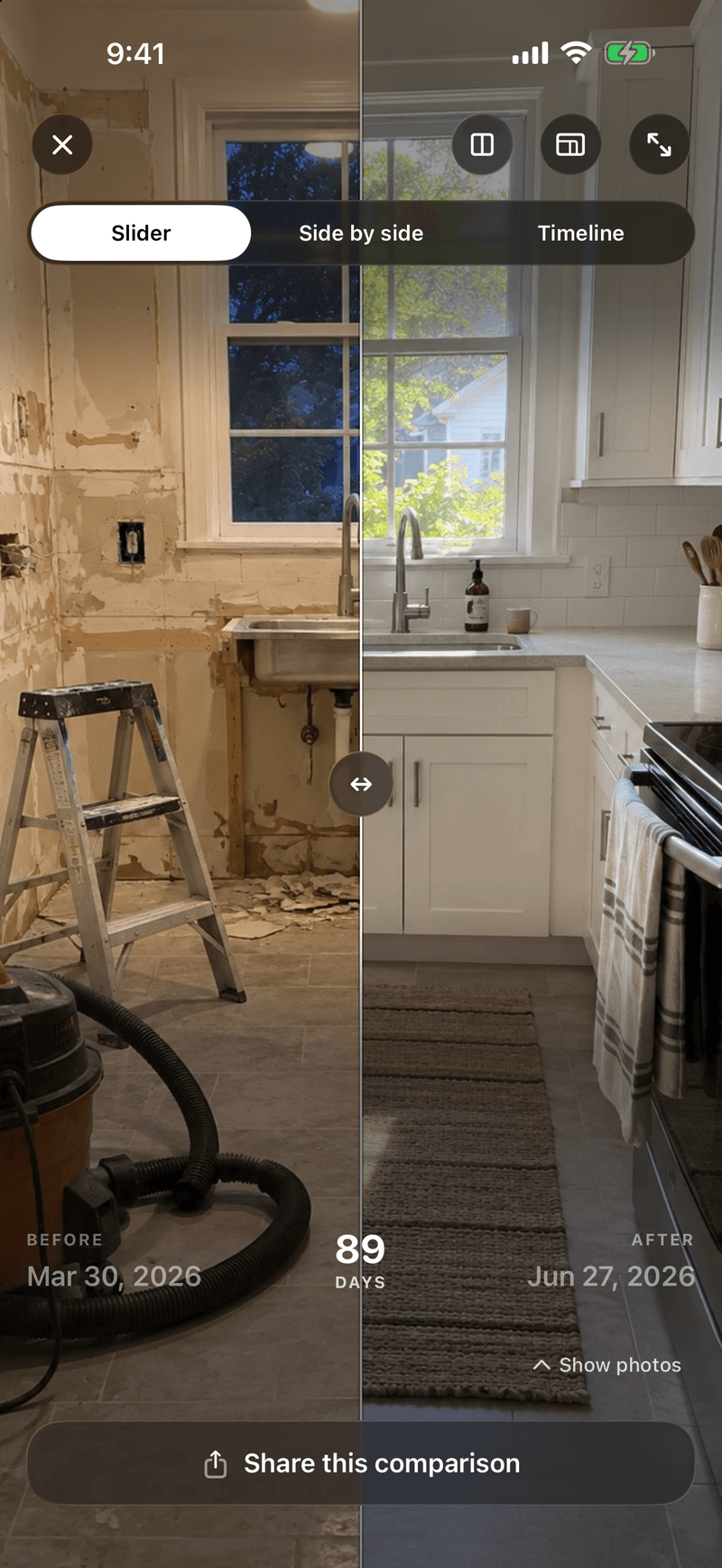
Pick any two photos in a collection, not just the first and the last, and view them the way that shows the change best.
- Any two photos
- Zoom moves both photos in side by side
- Timeline exports to video
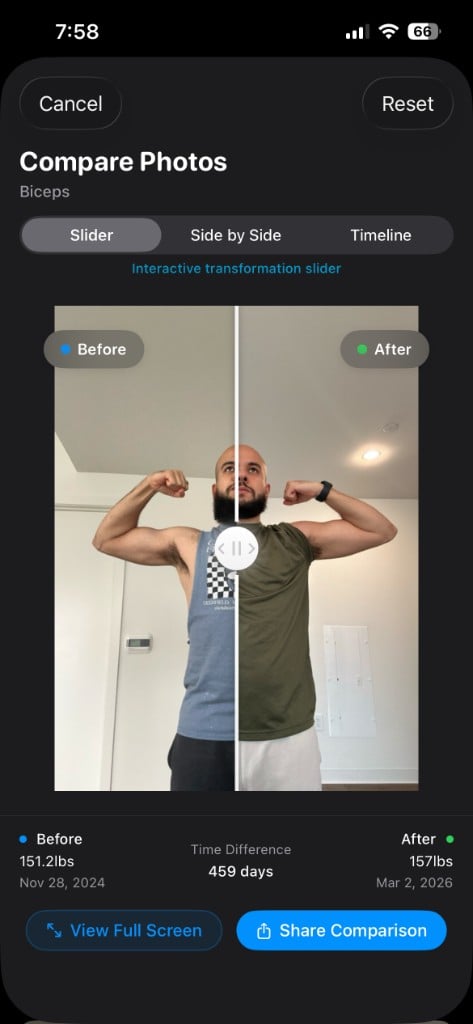
Slider
Drag between two photos to see the difference.
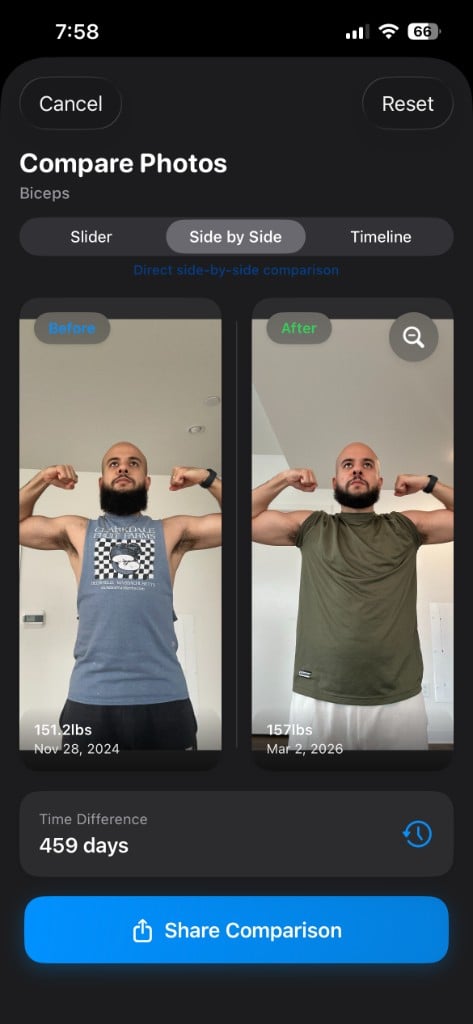
Side by side
Two photos next to each other. Zoom moves both.
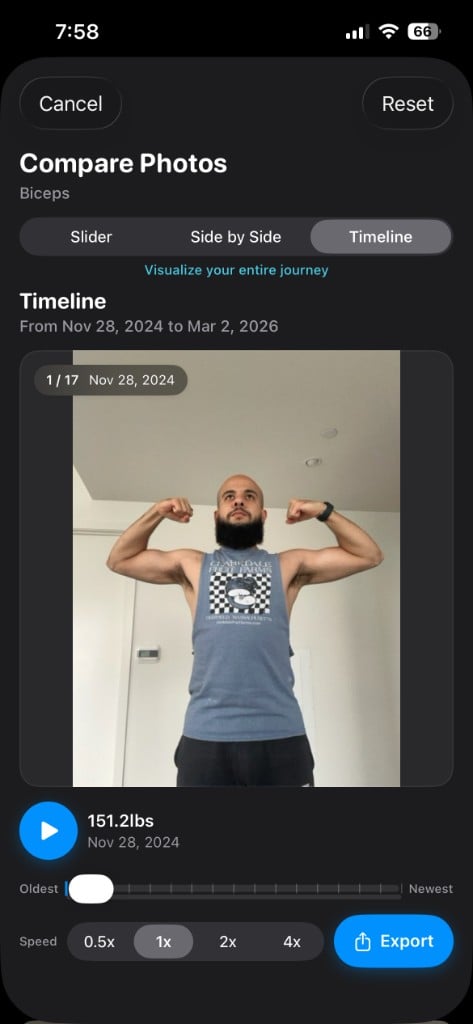
Timeline
Every photo in order, first to latest. Export it as a video.
Share a comparison
Export a comparison as a card. Eight templates, from dark to light.
- Eight templates
- Sized for social
- Before, after and the dates
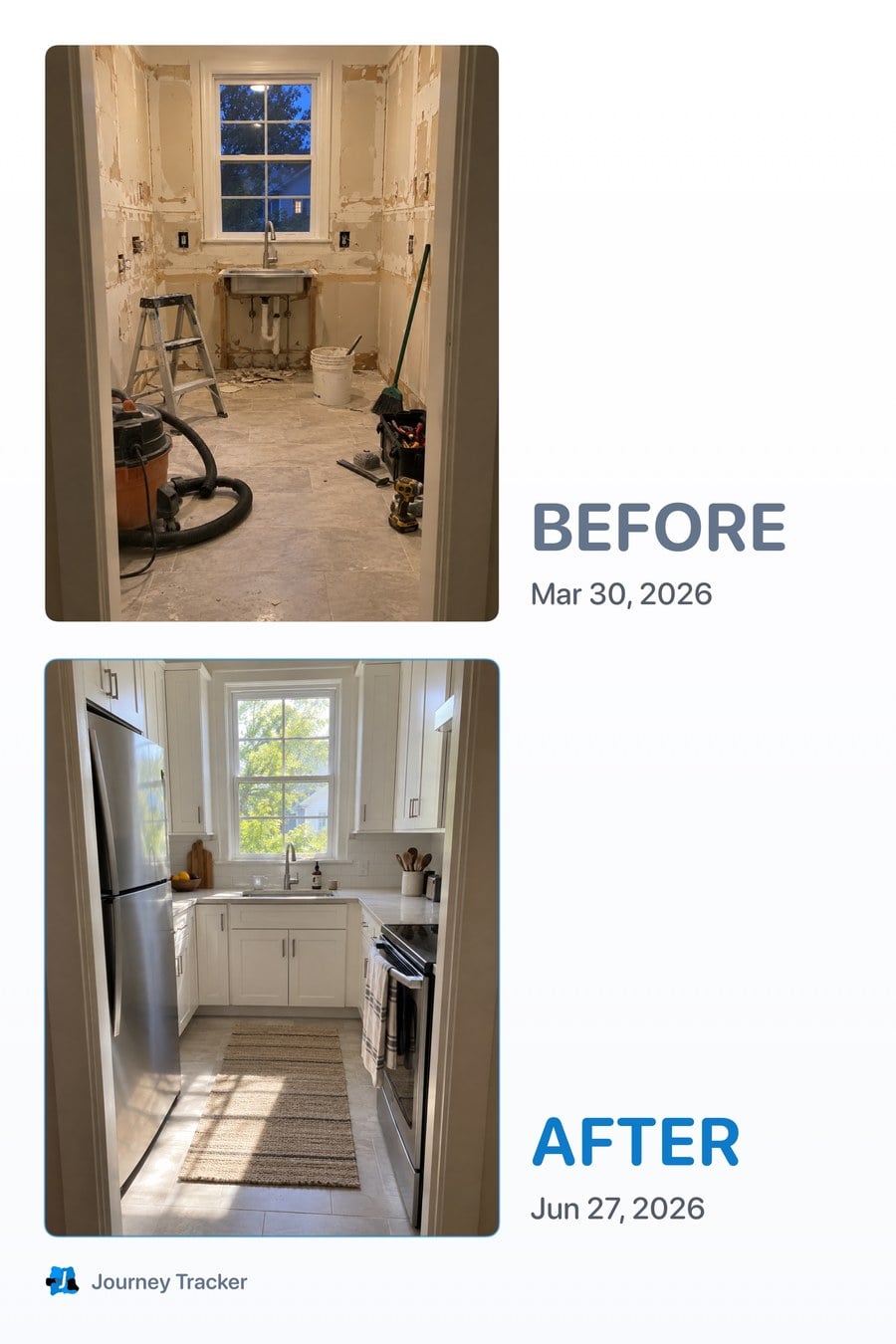
Classic
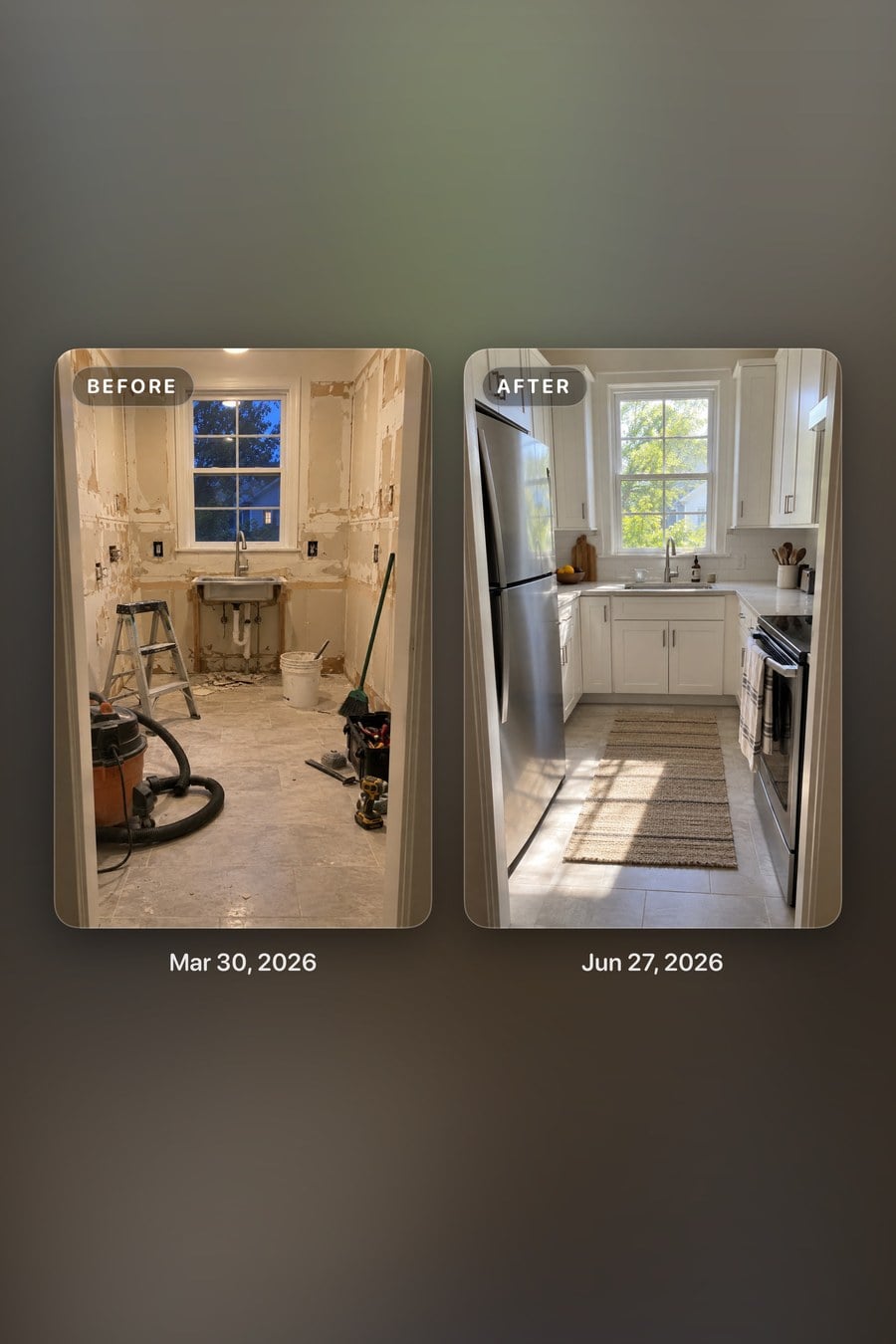
Ambient
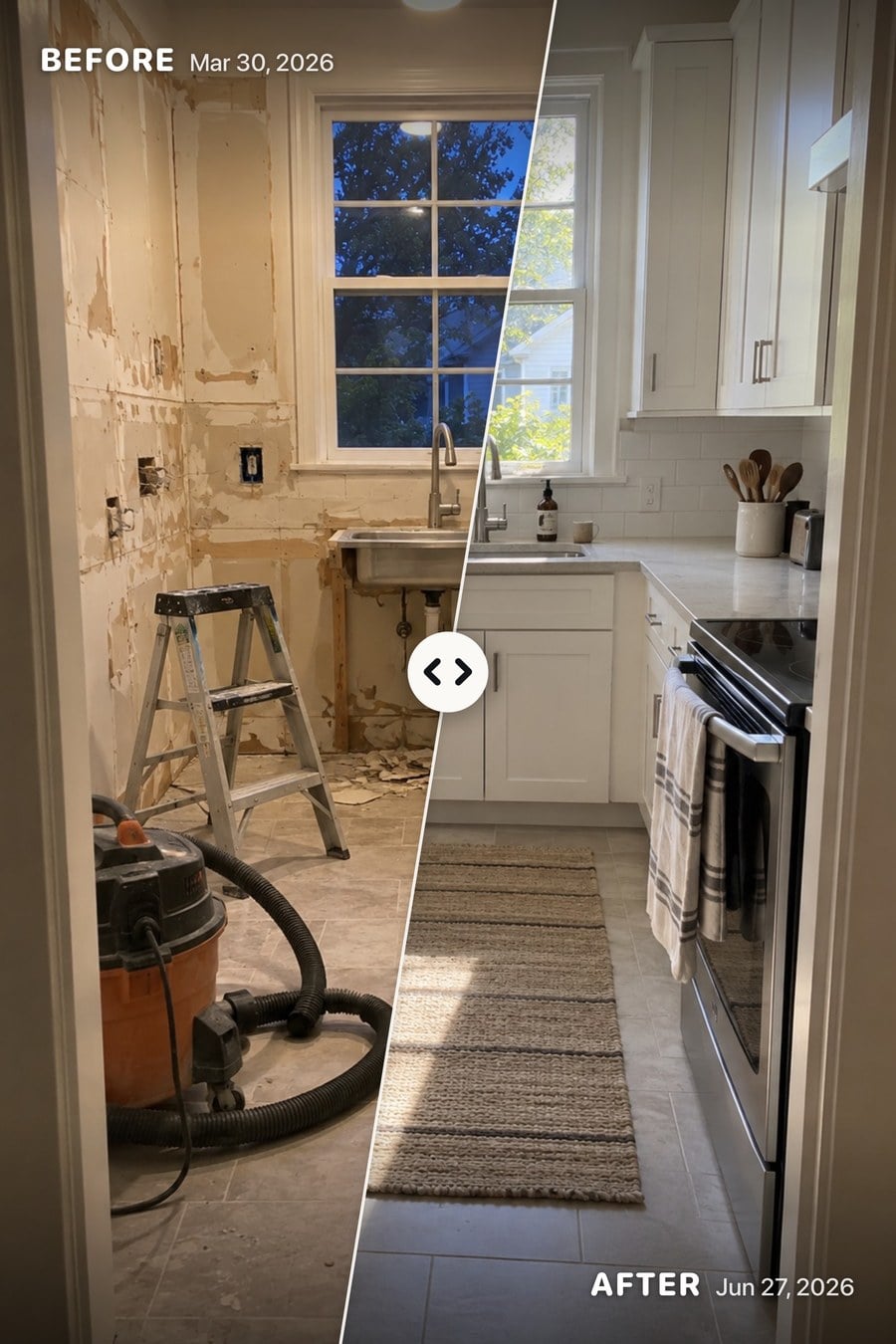
Slice
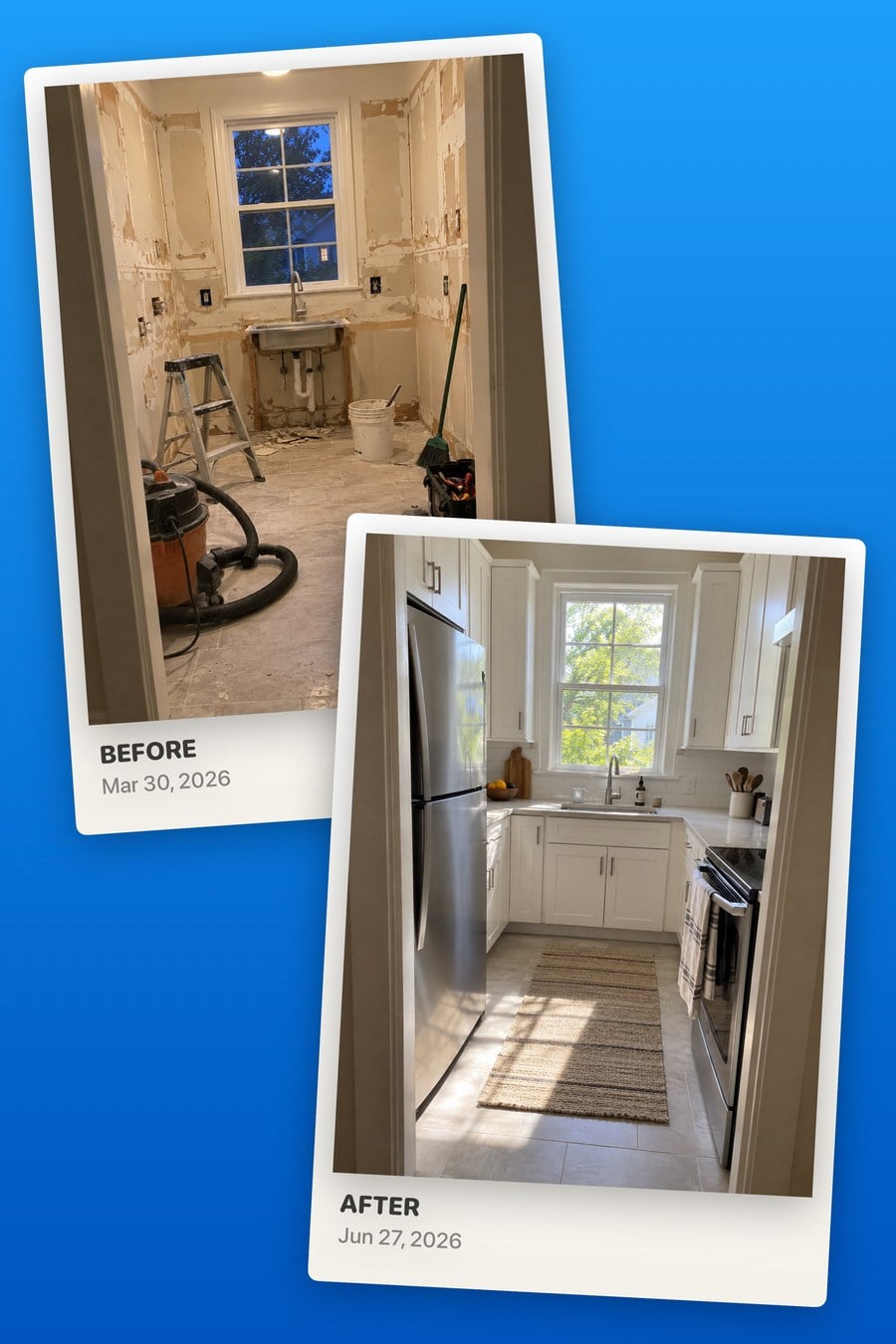
Instant
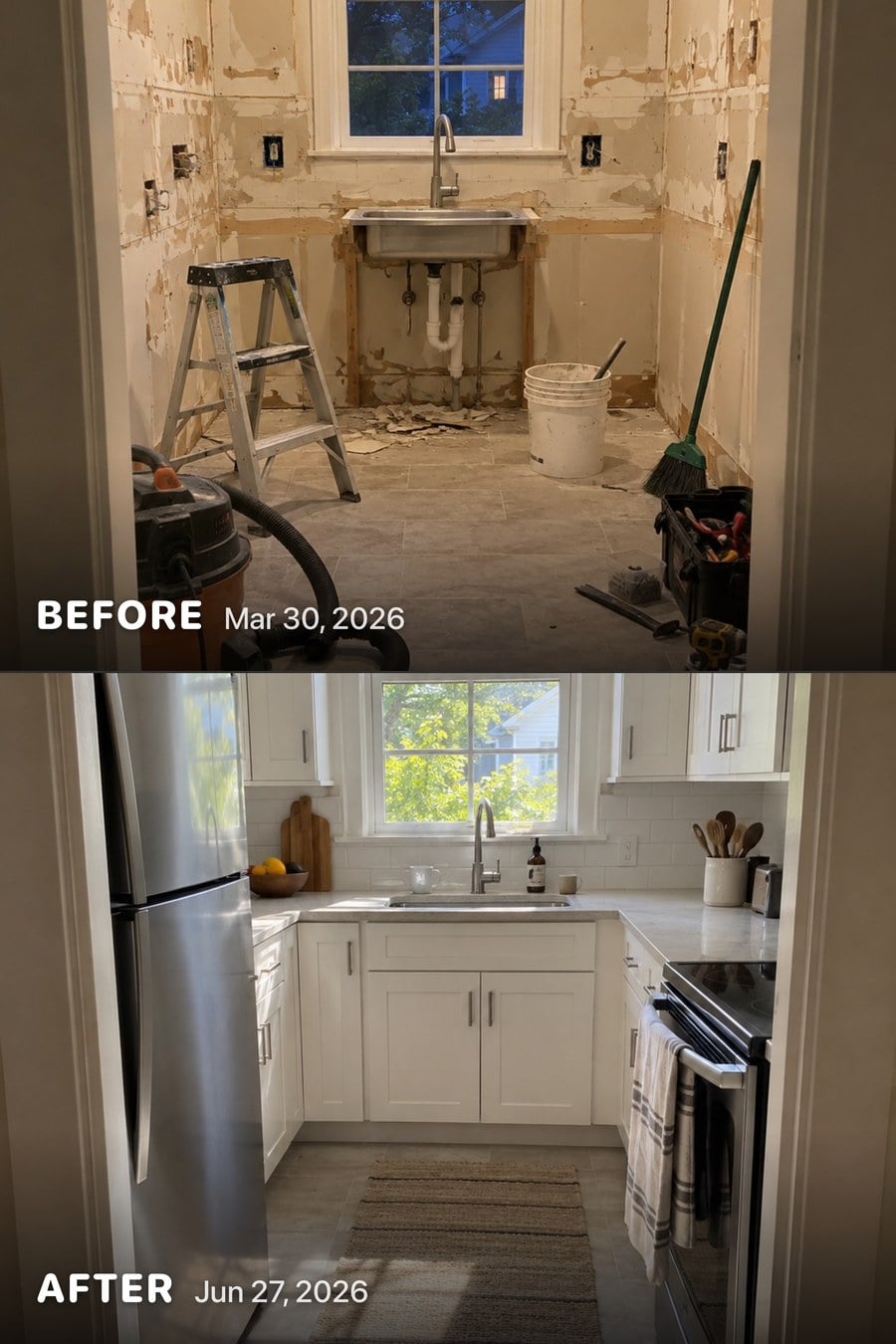
Split
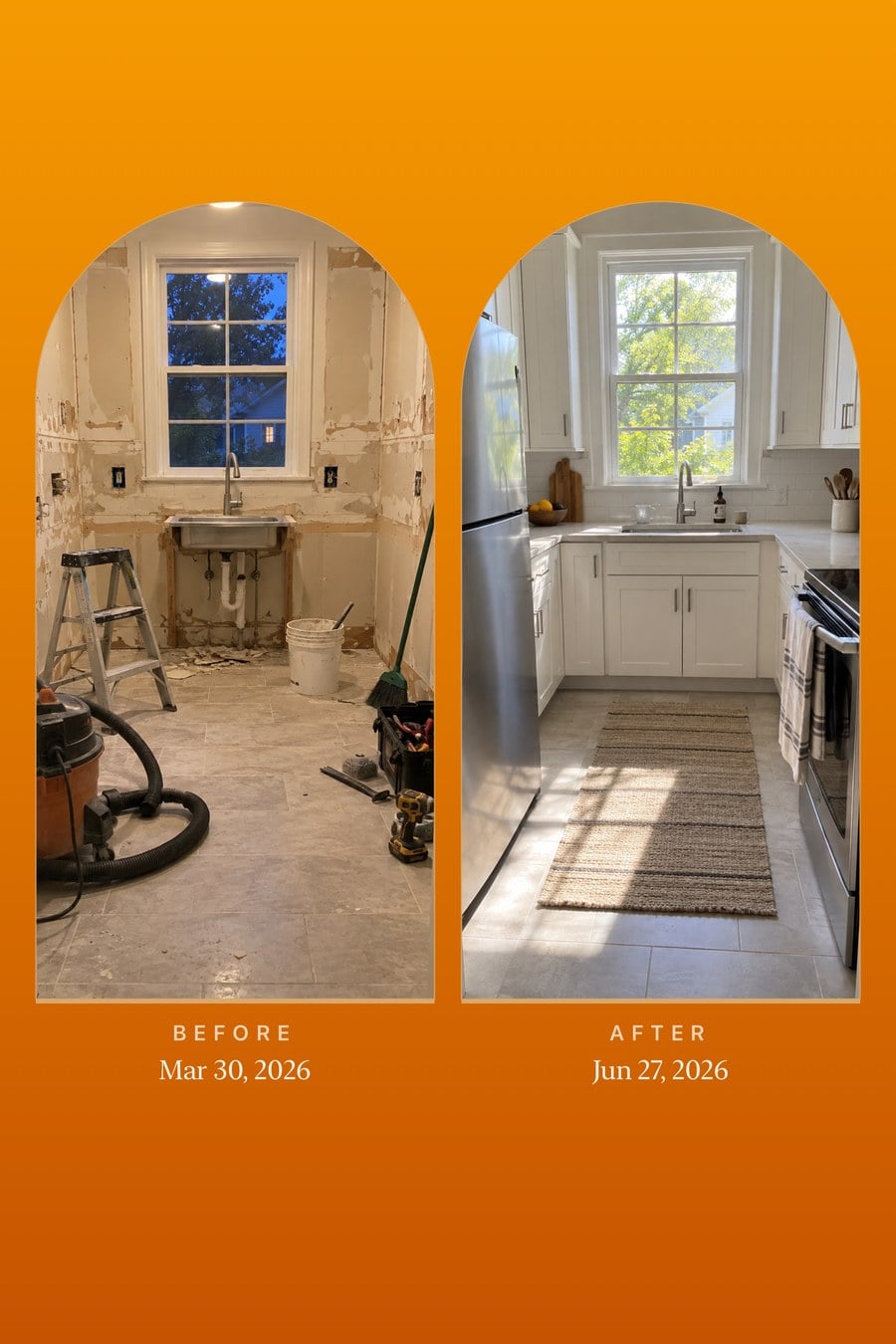
Arch
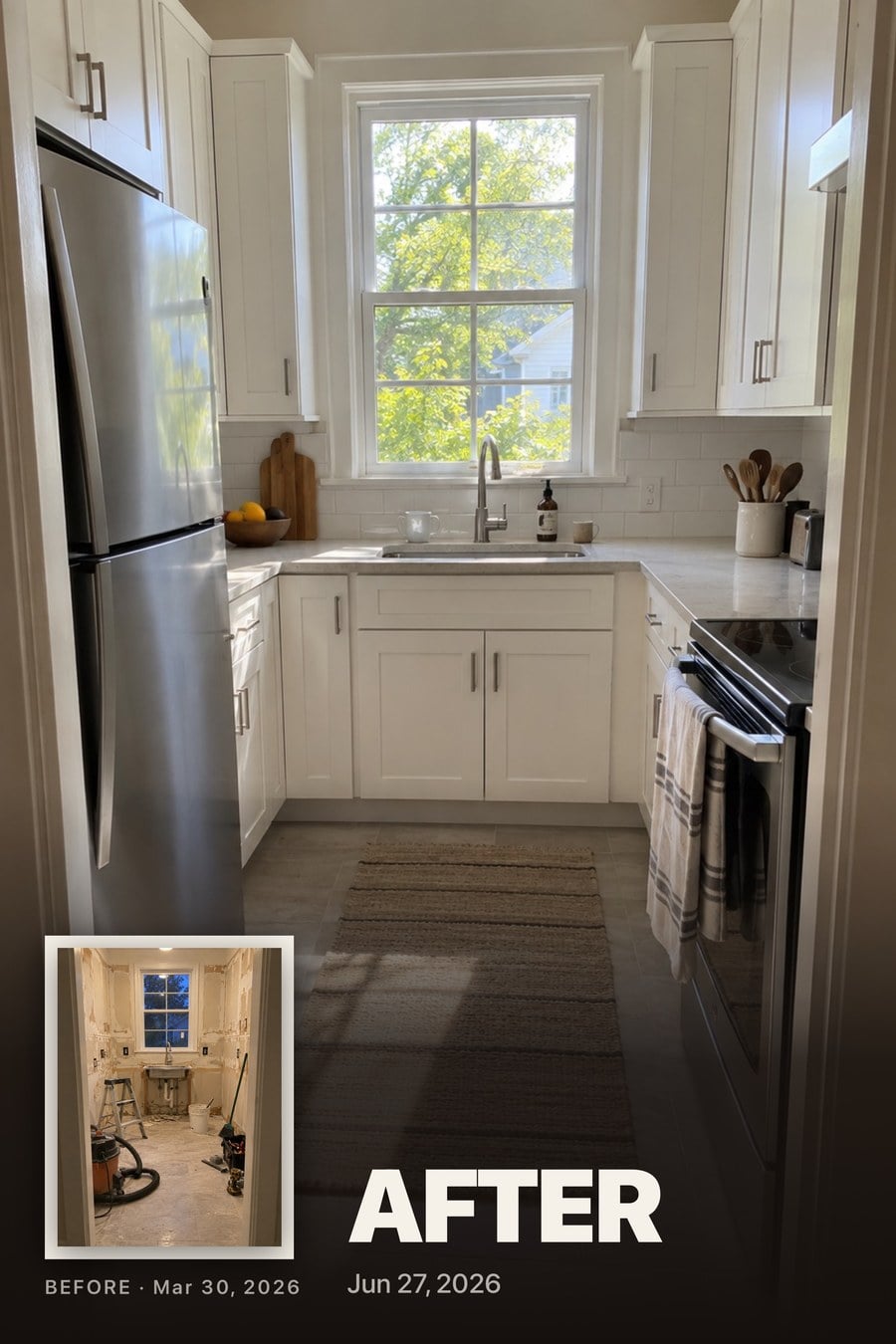
Spotlight
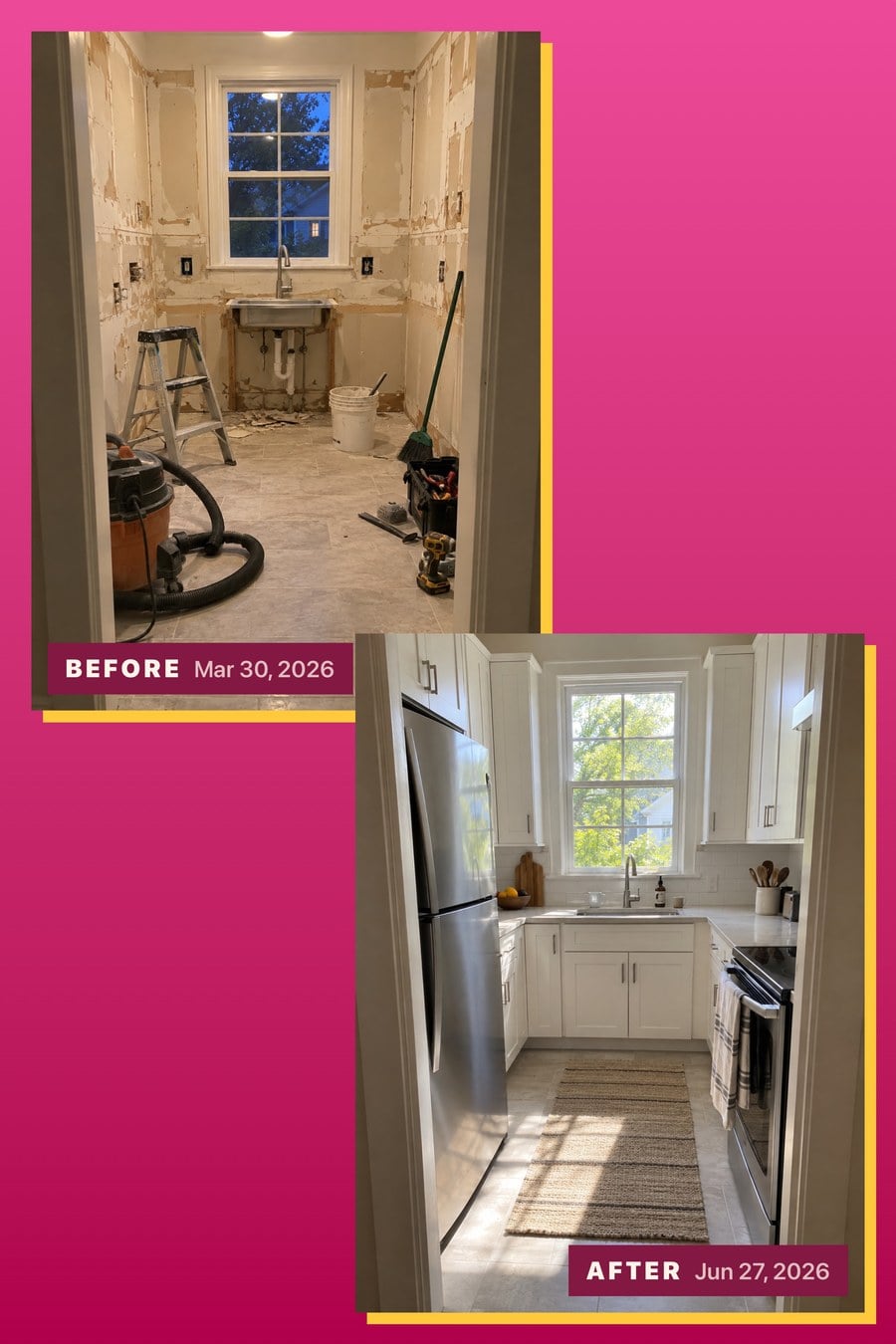
Poster
Reminders and an activity grid
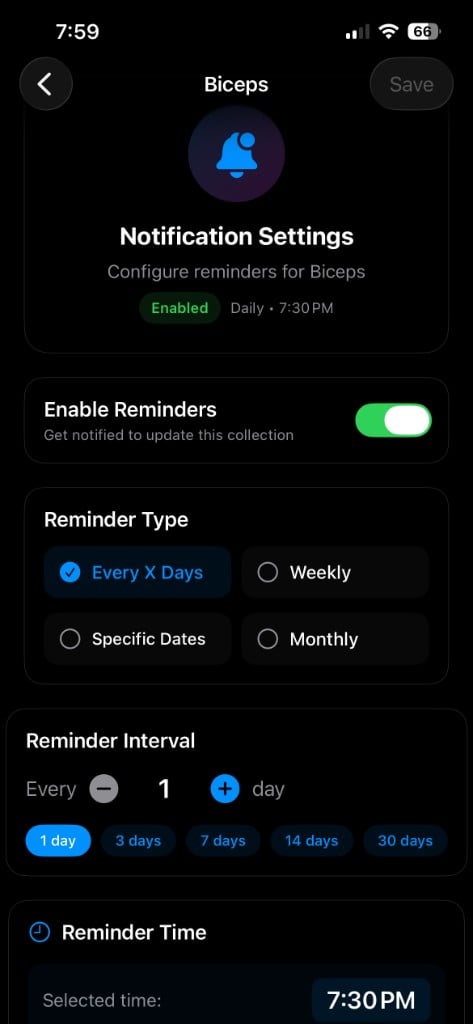
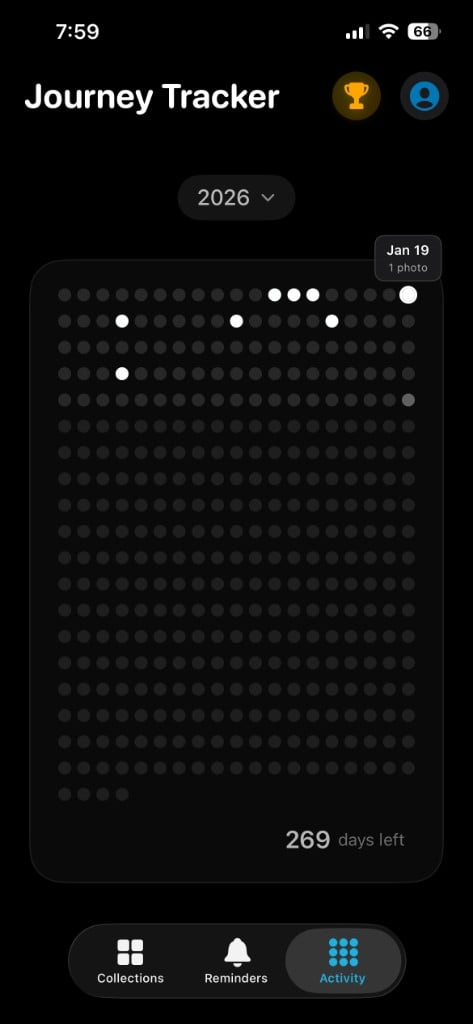
Set a reminder rule per collection: every few days, certain weekdays, specific dates, or monthly, at a time and timezone you choose, with your own message. The activity grid shows the year at a glance.
- A reminder rule per collection
- Your own reminder text
- A year of days on one grid
Milestones
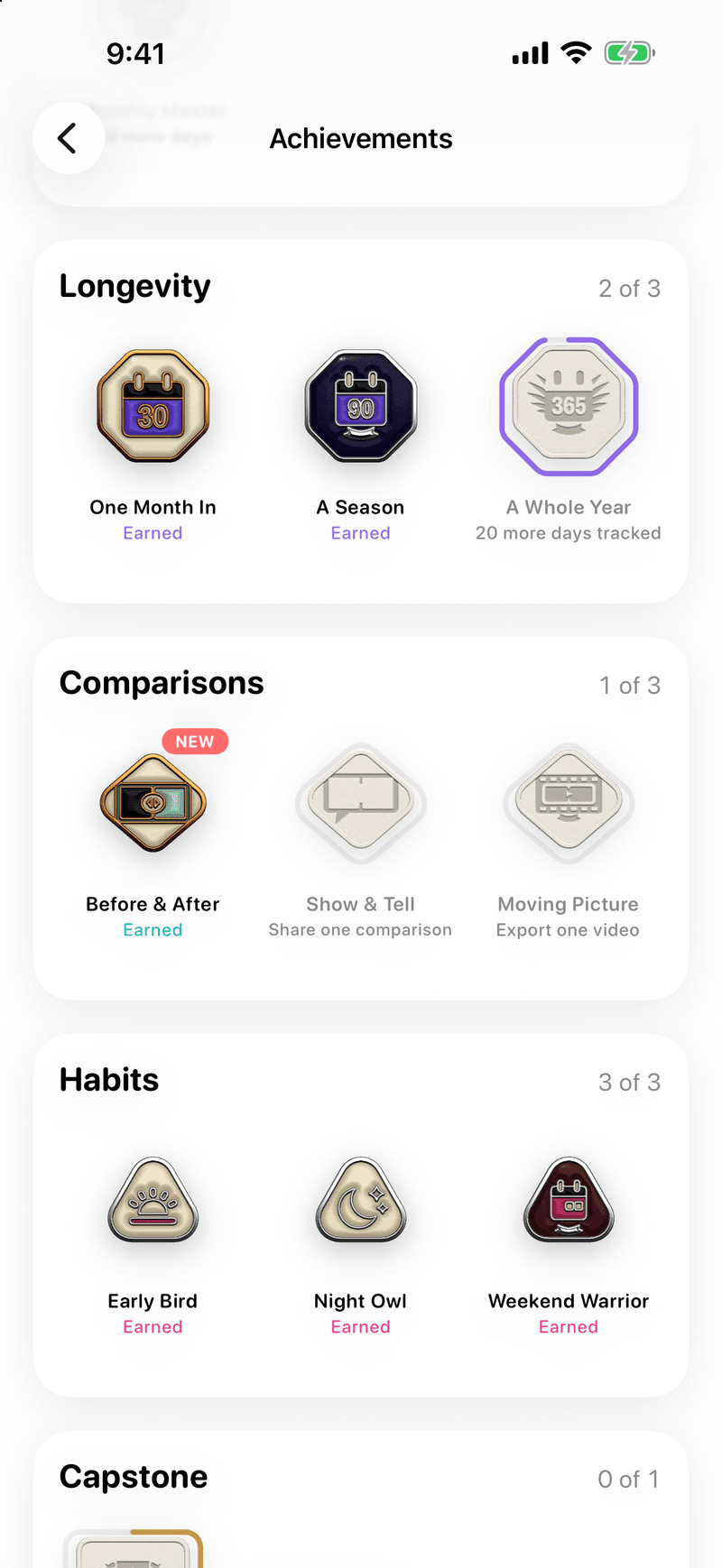
Medals mark photos taken, days spanned, and streaks kept, so the long stretches feel like progress too.
- Photo, span, and streak medals
- Almost-there progress on each
- A medal to share when you earn it