
See how far
you've come.
Take the same photo over time and see what changed. For fitness, skin, outfits, a plant, a renovation.
Free to download.
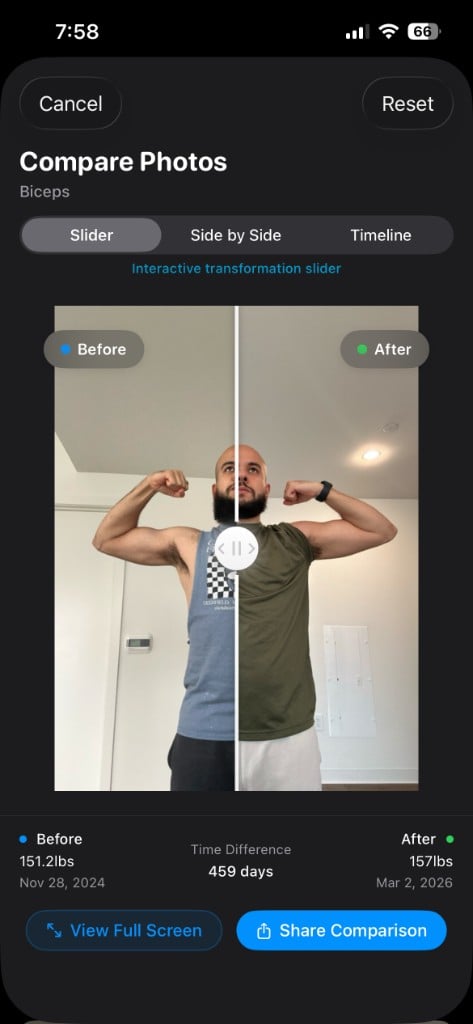
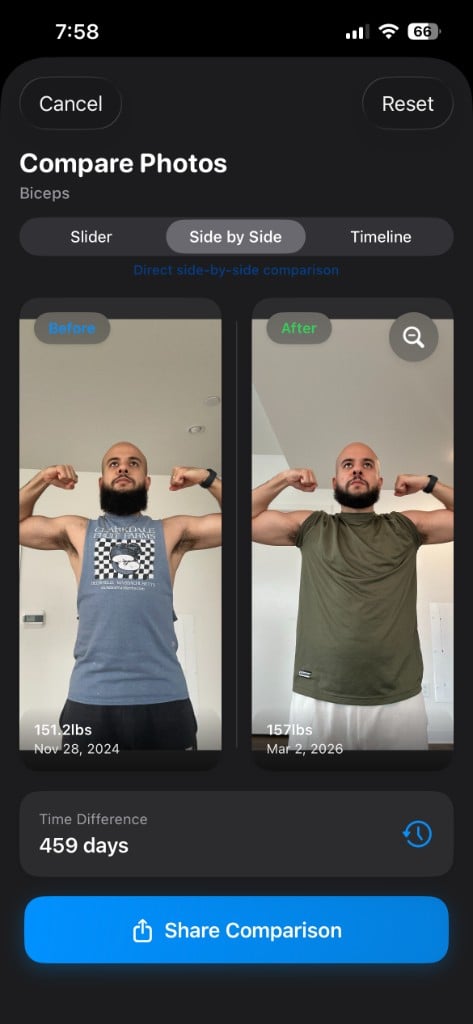
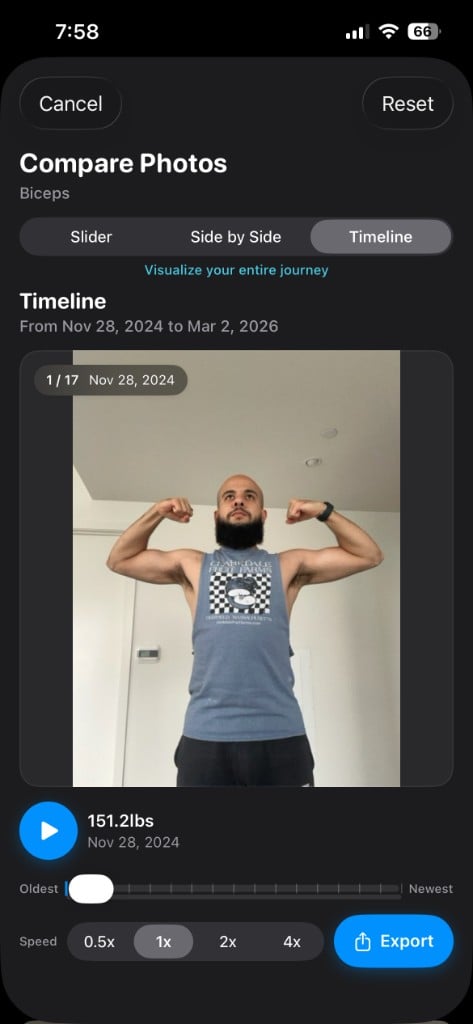
Drag between two photos to see the difference.
How it works
Step 1
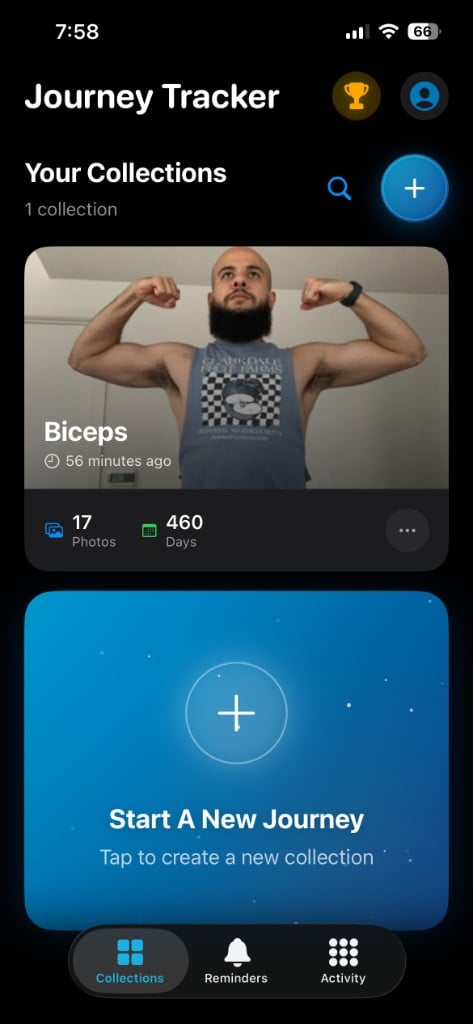
Start a collection
One for each thing you're tracking. Add notes and a reminder schedule if you want them.
Step 2
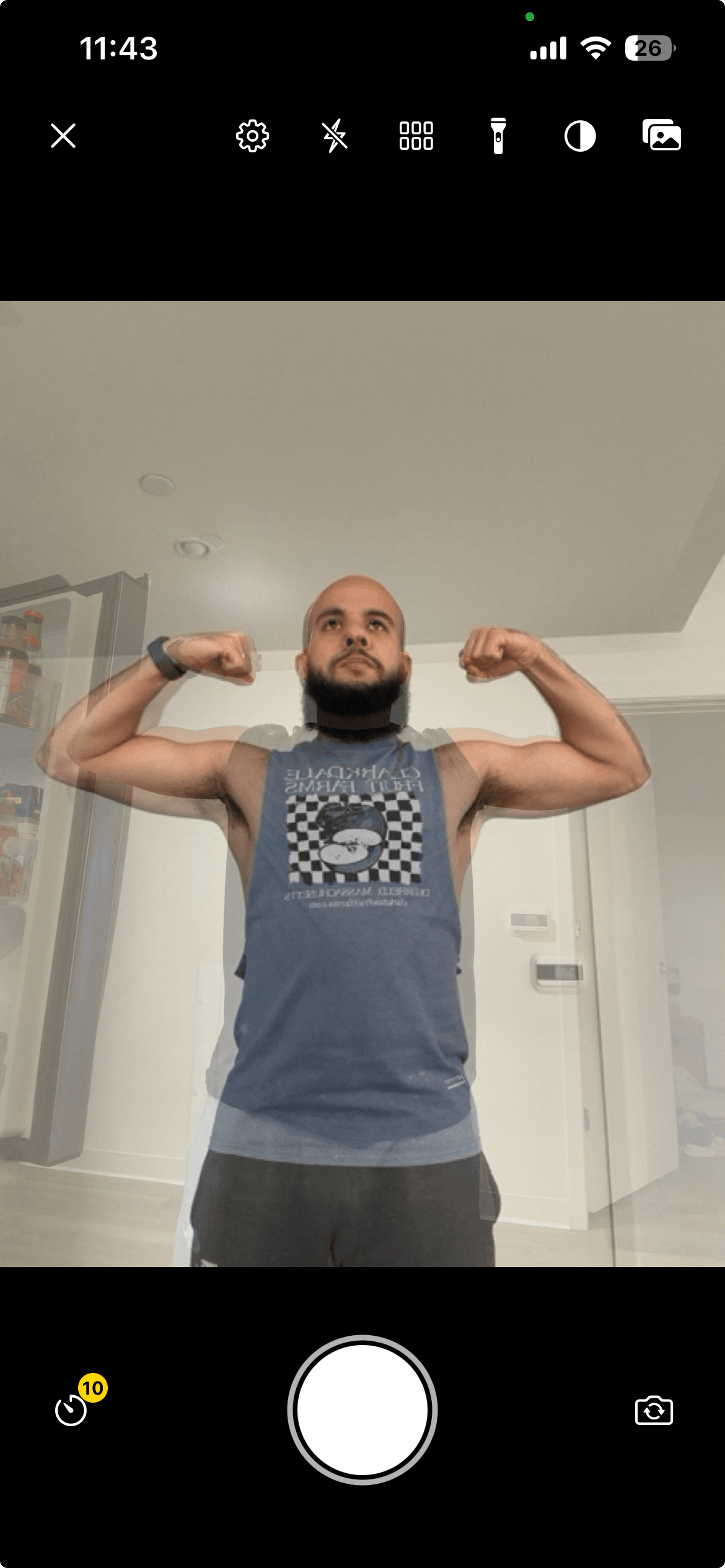
Line up the next shot
A faded copy of your last photo sits over the camera, so the new one matches the old.
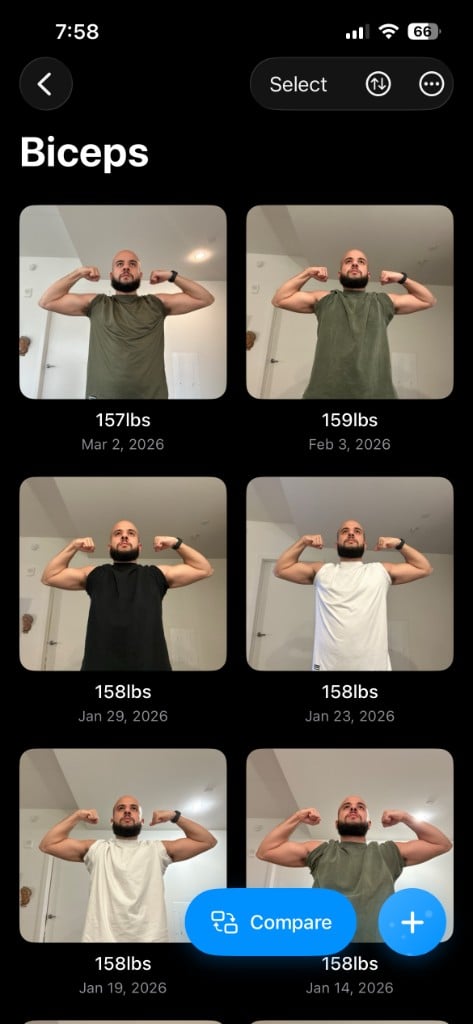
Step 3
Compare
Slide between two photos, put them side by side, or play the whole timeline. Share the result.
Keep going
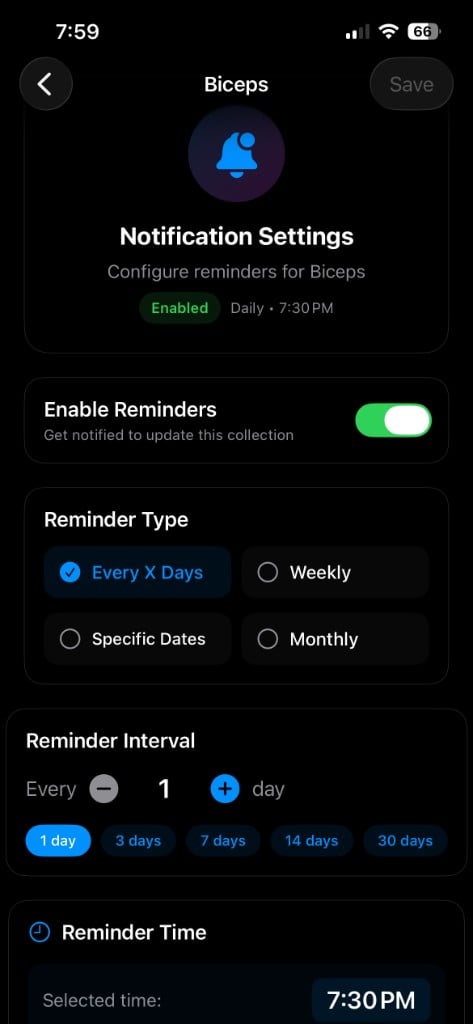
Reminders per collection
Every three days, weekdays only, a chosen time. Each collection has its own.
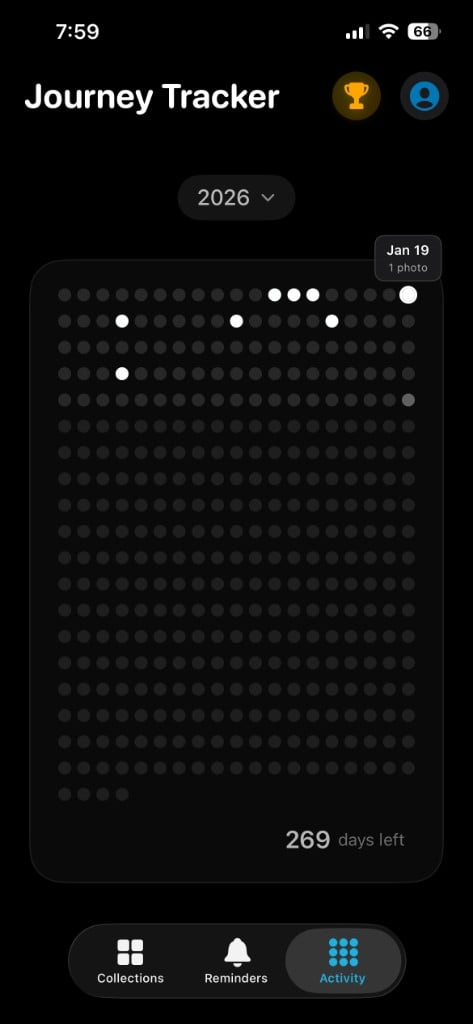
Streaks at a glance
An activity grid shows the days you showed up and the gaps.
Milestones
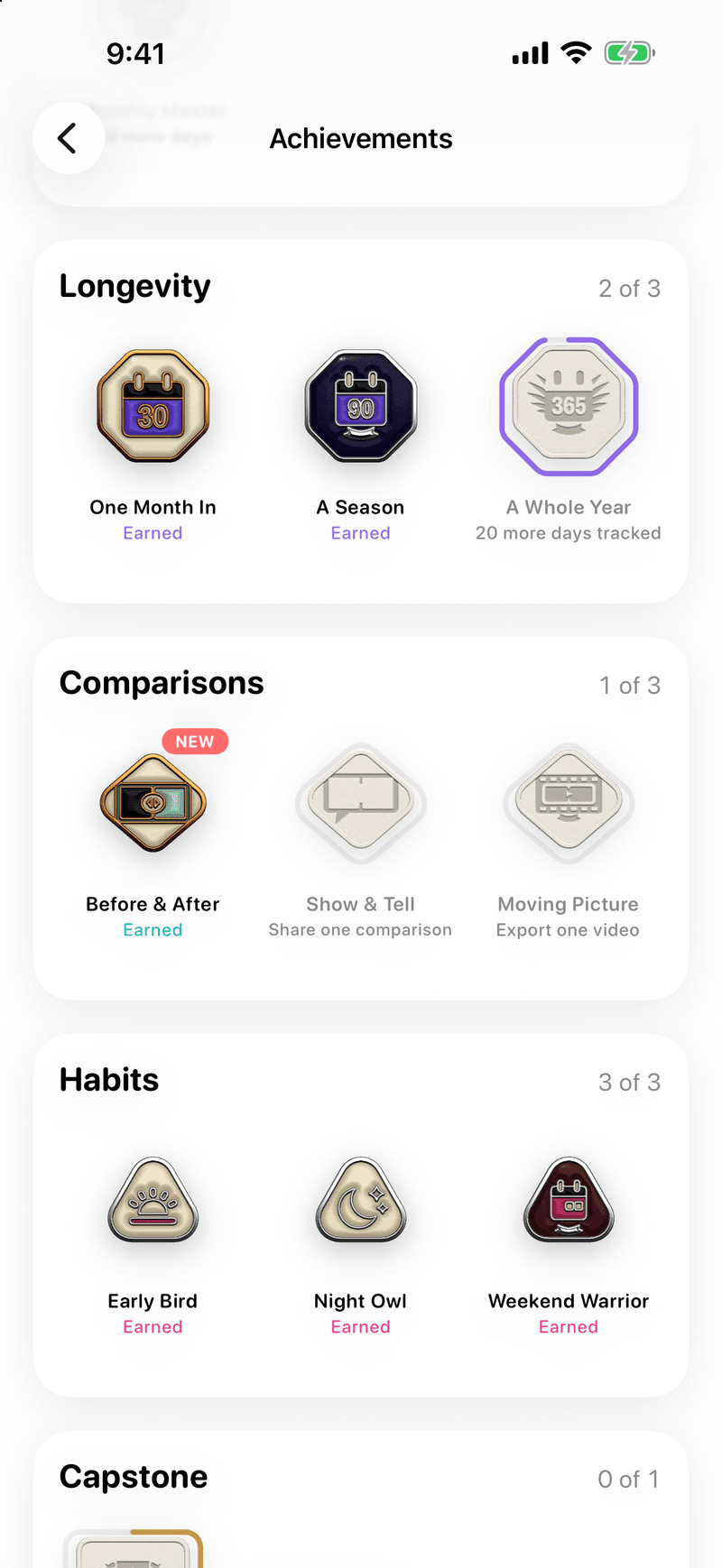
Medals for photos taken, days spanned, and streaks kept.
Questions
- Is Journey Tracker free?
- Yes. Free to download from the App Store.
- Is there an Android version?
- No. Journey Tracker is an iPhone app.
- What can I track?
- Anything you photograph more than once: fitness, skin, hair, a beard, outfits, a plant, a renovation. Each gets its own collection.
- How does the overlay work?
- A faded copy of your last photo sits over the camera view while you take the next one, so you match the framing and pose before you press the shutter. Tap
 to turn it off or on, and
  to set it to light, medium, or strong.
 - Are my photos private?
- Yes. Your photos are private and stay that way. They leave only when you export a comparison yourself.
- Can I export a video?
- Yes. Timeline mode plays a collection from first photo to latest and exports it as a video. Any comparison also exports as a share card.
- Do I need an account?
- Yes. Sign in with Apple, Google, or email. You can delete your account from inside the app.